Showing posts with label ELA. Show all posts

Thursday, May 2, 2013

Great Unsolved Mysteries in Canadian History

Great Unsolved Mysteries in Canadian History

A collection of historical documents, photographs, maps and multimedia that enable users to investigate mysteries in Canadian History.

A link is provided to provincial curriculum for ELA, History and Social Studies at different grades.

Support for teachers:  "The Great Unsolved Mysteries in Canadian History websites provide many different kinds of support for teachers using the Mysteries websites in their classrooms: materials that range from student-friendly lesson plans to teacher-oriented, philosophical discussions of the teaching methods advocated by the Mysteries project. Here is a quick overview of the seven kinds of support available to Teachers using the sites – more details are provided below.

  • Teachers’ Guides containing a series of detailed lessons, briefing sheets and evaluation materials are available for every Mystery website, and can be downloaded by registering on the site.

  • short, one-lesson, student-oriented MysteryQuest lesson plans, briefing sheets and evaluation materials are available for each Mystery. a series of scaffolding activities and briefing sheets to introduce students to Key Concepts in Historical Thinking.

  • a summary of the Foundational Ideas of history teaching that informs the Mysteries Project.
  • teachers have access to the password-protected historians’ Interpretations portion of the websites accessible through a Teachers' Login process."
Curriculum Connections:  "The following pages will assist educators/teachers in identifying the connections between the subject matter of the Great Unsolved Mysteries in Canadian History and provincial and territorial curricula across the country. All project materials are available in English and French. To assist you with classroom teaching we have developed Teachers’ Guides for each of the Mysteries (grades 6-12, some suggestions suitable for college/university) as well as single-lesson MysteryQuests (ages 11-16). These materials and classroom posters illustrating each of the Mysteries are available online.
While this project was developed primarily as a resource for teaching history in Canada, educators around the world are using it for a variety of subjects in elementary school, secondary school, colleges and universities. Teachers and professors are using the materials to teach courses such as the following: history, social studies, law, native studies, geography, citizenship, drama, English and French, architectural research methods, art history, the criminal justice system, women’s studies, visual arts, language arts, anthropology, sociology, psychology, reading and developing skills in inference and persuasive writing, criminological theory, computer concepts, economics, and sociology."


Next Vista for Learning


Next Vista for Learning
This is a website that houses informational videos.  All videos are for a student audience, highlighting the creativity of students and teachers around the world.

a)  The Light Bulbs Collection  -hits the topics of careers, health & fitness, history & culture, literature & writing, Math, performing arts, science, technology, world languages, inspiration & creativity

b)  Global Views - messages about the world made by students to to help understand other cultures.  They are encouraged to create their own video from their part of the world and submit it

c)  Seeing Service - videos that highlight good deeds (ie microloans, volunteer work in various locations).  These are meant to encourage students to get involved in some sort of cause.

Friday, March 15, 2013

Little Bird Tales: Online Storybook Creation

Little Bird Tales:


Capture your child's voice and imagination with this creative story building tool and share them with friends and family.

  • Encourages creativity and self expression
  • Reinforces reading and writing skills
  • Interactive assignments
  • Support for teachers

Tuesday, February 14, 2012

Survey Creator - Create an online survey in 4 steps

Survey Creator is a free service that allows surveys to be conducted and managed online. As the link to access the survey is controlled by the author, this service offers a safe and secure environment if desired. It's easiest to send the link and password to your class through LPSD email. For elementary classes that don't use email, the login information can be saved as a Word document in each school's "studentshare" drive for all students to access.

There are 4 steps to creating an online survey.
1. Sign up for a free account
2. Design the survey and questions
3. Send the link to your respondents
4. After the respondents have submitted their responses, you can analyse and report on the data

Survey Creator is promoting the following features:
  • Simple and user friendly environment
  • Different language preferences and support
  • User defined design (colors, fonts, style)
  • Add, modify, delete, or duplicate the questions / surveys is an easy operation
  • 4 modes - survey, instant poll (with instant results), quiz (with instant evaluation), subscription (share collected data)
  • Variety of question types: single/multiple choice, evaluation scales,...
  • E-mail notification
  • Filtering on multiple replies per respondent
  • Direct data exchange with Excel, Export in PDF
  • Graphical reporting
  • Surveys protected by login / password
  • Data storage on a secure server
  • Publicity/ads free surveys
Survey Design Editor
Question Editor
Data Analysis
The interface to design the survey and questions can be a bit challenging for a first time user and unfortunately there is a bit of experimentation and previewing needed to design the survey to your needs. There is a built in help and FAQ menu available through the service.

Please request help from the tech coaches if you are interested in using this program and feel you need assistance.

Sunday, November 27, 2011

Lloydminster meets Kaohsiung, Taiwan!

For students at Queen Elizabeth School in Lloydminster and their teacher, Justin Saulnier, it is the chance of a lifetime.  Partnered with Fo Gong Primary School, in Kaohsiung, Taiwan, it is a chance to make new friends on the other side of the world.

Here is an article from the Lloydminster Source on this project.  The article is found on page 12 and 13.


Newcap News also highlighted this project in Beyond the Classroom from Dec. 14, 2011.

Using technology such as Google Earth, the partner school is brought to life for students here on the prairies.  The globe shrinks with the use of technology that can connect students at the click of a mouse.  Although the time difference limits Skype time (14 hour difference!), we have other methods to have students share their culture and experiences face to face.  Justin's class spent some quality time walking around Lloydminster, capturing videos of Lloydminster landmarks and locations using the LPSD ipod touches.  They were able to make short videos that have been shared with the class at Fo Gong Primary School.  You can find these videos on the QE website (Video Blog link) as well as on the partner teachers' blog "Little Stars".  Look for more videos to be posted over the next few weeks.

Future collaboration and sharing will likely include:  Sharing artifacts through the mail, sharing information on our winter activities as a contrast to their climate and activities.

Fo Gong Primary School website (English)


View Larger Map

For teachers that are interested in partnering with another class, there are many ways to accomplish this.  S. Merth can help you create and find a project.  This particular contact was found using an ad posted on "Around the World With 80 Schools".  In addition to our new friends in Taiwan, LPSD teachers currently have projects underway in Wheat Ridge, Colorado, Tulita, Northwest Territories, and Alabama.  Another option is to post an ad in "Skype in the Classroom".http://www.tubechop.com/watch/248730

Monday, November 14, 2011

Math, Literacy, and Special Ed Resources


SEN Teacher Website houses many Print and Math Literacy activities (suitable for printing).  As well, this website contains many resources for Special Education.

Print Literacy tab
  • flashcards
  • word family cards
  • scrambled word sheet
  • printing
  • wordsearch puzzles
  • literacy dominoes
Print Math tab
  • nets for 3D objects
  • numeracy fans
  • number cards
Print Other:
You can also print certificates, name labels, spinners, facial expressions, behaviour charts, photo cards and many more items.


There are also free downloads in a variety of curricular areas.


Tuesday, November 1, 2011

Draw a Stickman


This one may just be for fun.  
Draw a stickman, start the story and draw your way out of  trouble.  


While this is a simple web tool, it has some entertainment value but perhaps limited educational value!  This interactive story can be completed by kids of all ages.  No real artistry required!

Friday, June 24, 2011

Go Wild!

Presented by the New York Zoos and Aquarium, the website, Build Your Wild Self allows the user to select different animal body parts in order to create a new species.  You can print your Wild Self which can include a list and short description of the type of body part added such as spider crab claws, monarch butterfly wings and an African lion tail.

How can I use this in my classroom?  Here are some Saskatchewan curriculum examples.

Grade 1 ELA curriculum: Compose and Create
CC1.4  Write and share stories and short informational texts about familiar events and experiences in a minimum of five sentences.

Grade 2 ELA curriculum: Compose and Create
CC2.4  Write stories, poems, friendly letters, reports, and observations using appropriate and relevant details in clear and complete sentences and paragraphs of six sentences.

Grade 3 ELA curriculum:  Compose and Create
CC3.4  Write to communicate ideas, information, and experiences pertaining to a topic by creating easy-to-follow writing (including a short, a procedure, a letter, a story, a short script

Science 6 curriculum:  Outcome DL6.4 Examine and describe structures and behaviours that help:

  • individual living organisms survive in their environments in the short term
  • species of living organisms adapt to their environments in the long term

Monday, June 6, 2011

Paper Templates

Do you require specialized graph paper or templates for storyboards?


Incompetech.com/graphpaper is a website that can help you create and print your specialty paper needs.

You can create custom paper of squares, triangles, and hexagons.  In addition you could make circular and polar graph paper, number lines, writing templates such as storyboards, and music templates for notation and fret boards.


All documents are in created in pdf format.  You have full control over the paper size (8.5" x 11", 11" x 17", A4, A3 etc.), grid line weight, horizontal and vertical sizes and line colour.

Friday, May 6, 2011

Storybird

Storybird:  collaborative storytelling

Features:
  • Free class account: 
  • No student emails required (change student passwords if they forget theirs) 
  • Safe, secure, and private (set privacy levels) 
  • No chat feature
  • No personal profiles
  • Unlimited classes (manage from one dashboard if required)
  • generate thematic libraries that can be shared with parents or other schools
"Storybird reverses the process of visual storytelling by starting with the image and "unlocking" the story inside.  Choose an artist or a theme, get inspired, and start writing." 

There are many, many pictures from which to choose as noted on the sides of this graphic.  Students choose their image from a fantastic gallery as a starting point for a story. 

Friday, April 15, 2011

Learn Alberta's Online Reference Center

A major problem students and teachers encounter when doing research is when the internet is unavailable or slow because of heavy traffic to a particular site. Sometimes sites become dead links or valuable time is wasted when students aren't focusing their research on age appropriate information.

Built into every school's library home page is a link to Learn Alberta's Online Reference Center which supplies a wealth of research resources for students and teachers that are broken down into age appropriateness.
As all this information is stored and regularly updated on an independent server in each school library, these resources offer immediate access as they aren't reliant on the World Wide Web. You will not get a slow or dead primary link using this service as long as you are logged into LPSD. However, others links within these services may be dead or slow if they are dependent on accessing the World Wide Web. Access at home is available if you use LPSD's login and password which can be located at the top of the webpage.

All resources are listed in alphabetical order:

Accent: Discover French Beyond the Classroom| Grades K-12
Advance Placement Source| Grades 10-12
AlbertaSource.ca The Alberta Online Encyclopedia| Grades 6-12
Amazing Animals of the World| Grades K-6
The Atlas of Canada| Grades 6-12
Bookflix| Grades K-3
The Canadian Encyclopedia| Grades 5-12
Canadian Reference Center| Grades 7-12
Culturegrams| Grades 3-12
Early Canadiana Online| Grades 9-12
EBSCOhost| Grades 7-12
eLibrary Canada: Curriculum Edition| Grades 6-12
eLibrary Elementary| Grades 4-8
Grolier Online Passport| Grades 7-12
History Study Center| Grades 9-12
Novelist K-8 Plus| Grades K-8
Novelist Plus| Grades 9-12
Opposing Views In Context| Grades 7-12
Peel's Prairie Provinces| Grades 6-12
ProQuest Learning Literature| Grades 9-12
Science in Context| Grades 6-12
Statistics Canada: Learning Resources| Grades K-12
TeachingBooks.net| Grades K-12
World Book Advanced| Grades 8-12
World Book Kids| Grades K-3
World Book Student| Grades 4-9

Tuesday, April 12, 2011

Glogster EDU Digital Posters


A glog is a fun and simple online way for students to create digital posters that can contain text, photos, videos, and sound.
To ensure student privacy, Glogster EDU has provided teachers the ability to create and manage up to 50 student accounts that can be refreshed and used in following years. It's an enclosed classroom environment that can't be seen by the public which ensures student privacy over the internet.  NOTE:  Glogster EDU is no longer free.  To access the free version, users (students) will have to create their own accounts.
One of the strongest features is the teacher having the ability to view, assess, respond and check student progress in any location as long as they have internet.
The only negative I have heard from teachers is the nagging request to upgrade to the Pro version whenever a teacher logs into their classroom account. But this is only occurs once after logging in.


Tuesday, April 5, 2011

Tagxedo, Wordle & Tagul: Word Cloud Generators


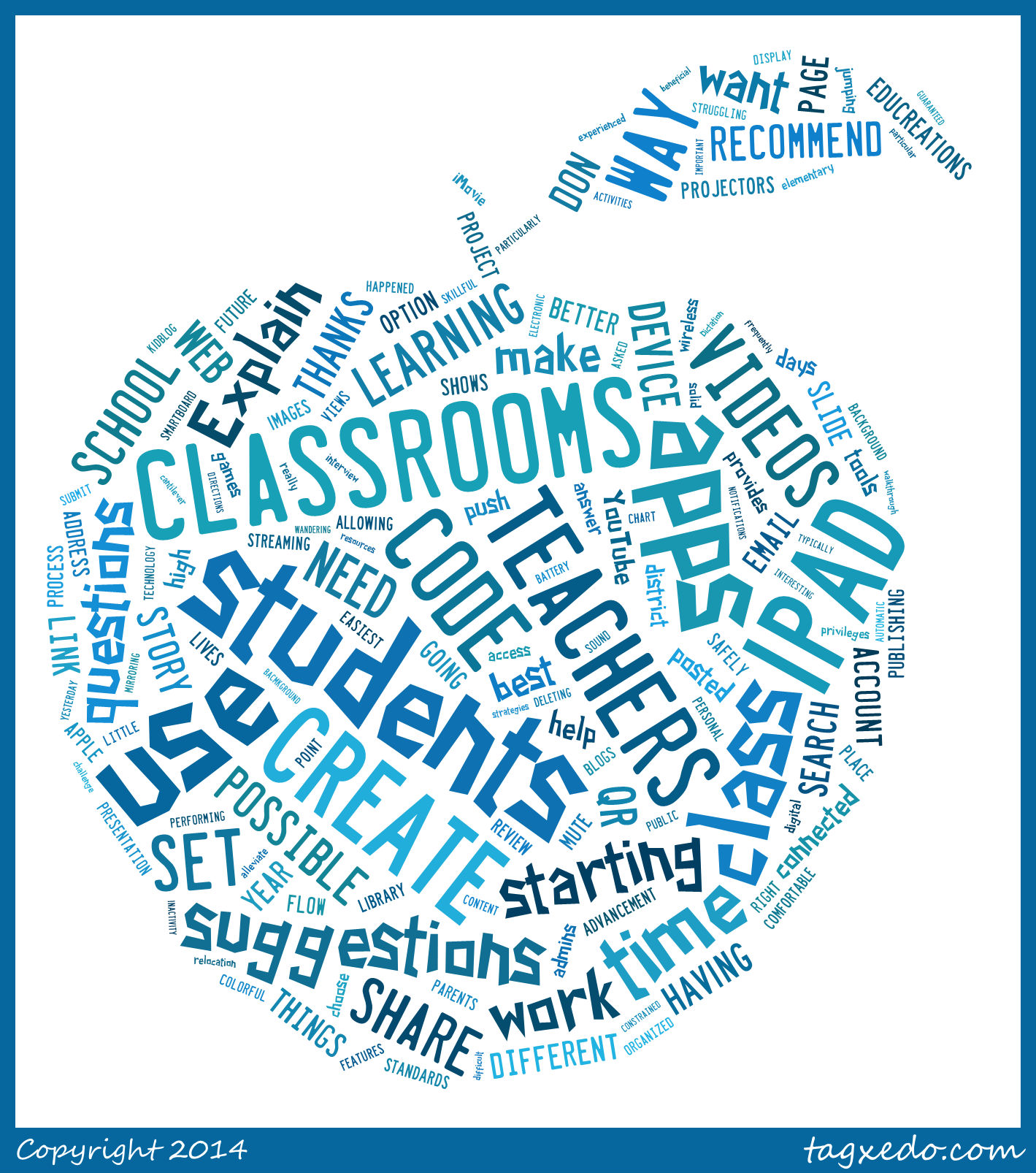
Tagxedo - highly recommended!  This program allows you to save the word cloud you have generated.  There are a multitude of options included such as ability to choose the shape of the word cloud.


Wordle Example
Wordle -Beautiful Word Clouds -is a fun and easy program for students to use.  It doesn't require an email address or password.  It provides a visual and graphical representation of how many times a word appears in a document.  If you would like to make a Wordle, you can have the most important words appear larger by typing them in more frequently.  Students are able to choose from a list of fonts, colours, and backgrounds.  Wordles can then be printed and there is a choice to make it public or private.  To save the Wordle, you can take a screen shot or print to pdf.
You could use this in Science, Social Studies, and Language Arts when analyzing the important details of a story or paragraph, or to make great posters for special occasions such as Mother's Day or Father's Day.
What is the origin of this Wordle? (click to enlarge)

Tagul: 
This is another word cloud generator.  It allows you more control over shape creation - select from star, square, circle, triangle, and cloud.
This is a free program but requires a sign up process.  In one user account, you can make 20 word clouds.  Each word become a "tag" and when clicked, will take you to the Google search results about that word.  Images can be saved, stored and printed.

Unsplash - free photo gallery

Unsplash A wonderful collection of free photos. The photos below model good digital citizenship by giving attribution to the photographer....